Explore first
Homepage → floor-plan search → plan details → pricing → studio or contact. Visitors can return to the catalogue to compare more plans.
Capex — an architecture and interiors design exploration centred on floor plans and bringing a home to life.
Capex connects architectural inspiration, floor-plan discovery and project estimation. Visitors can explore possibilities, define a scope and prepare an enquiry in one coherent experience.
Different building projects require different questions. Help visitors understand their options without overwhelming them.
Connect browsing to planning through clear categories, visible stages and a contextual estimate summary.
Visitors can explore first through floor plans, or define first through project pricing. Both routes converge on scope, estimate review and contact.
Scenario: a homeowner planning an ADU, conversion or home project.
Pricing, Floor Plans, Gallery and Company support different levels of readiness. The original architecture also identifies FAQs and studio information as supporting destinations.
Homepage → floor-plan search → plan details → pricing → studio or contact. Visitors can return to the catalogue to compare more plans.
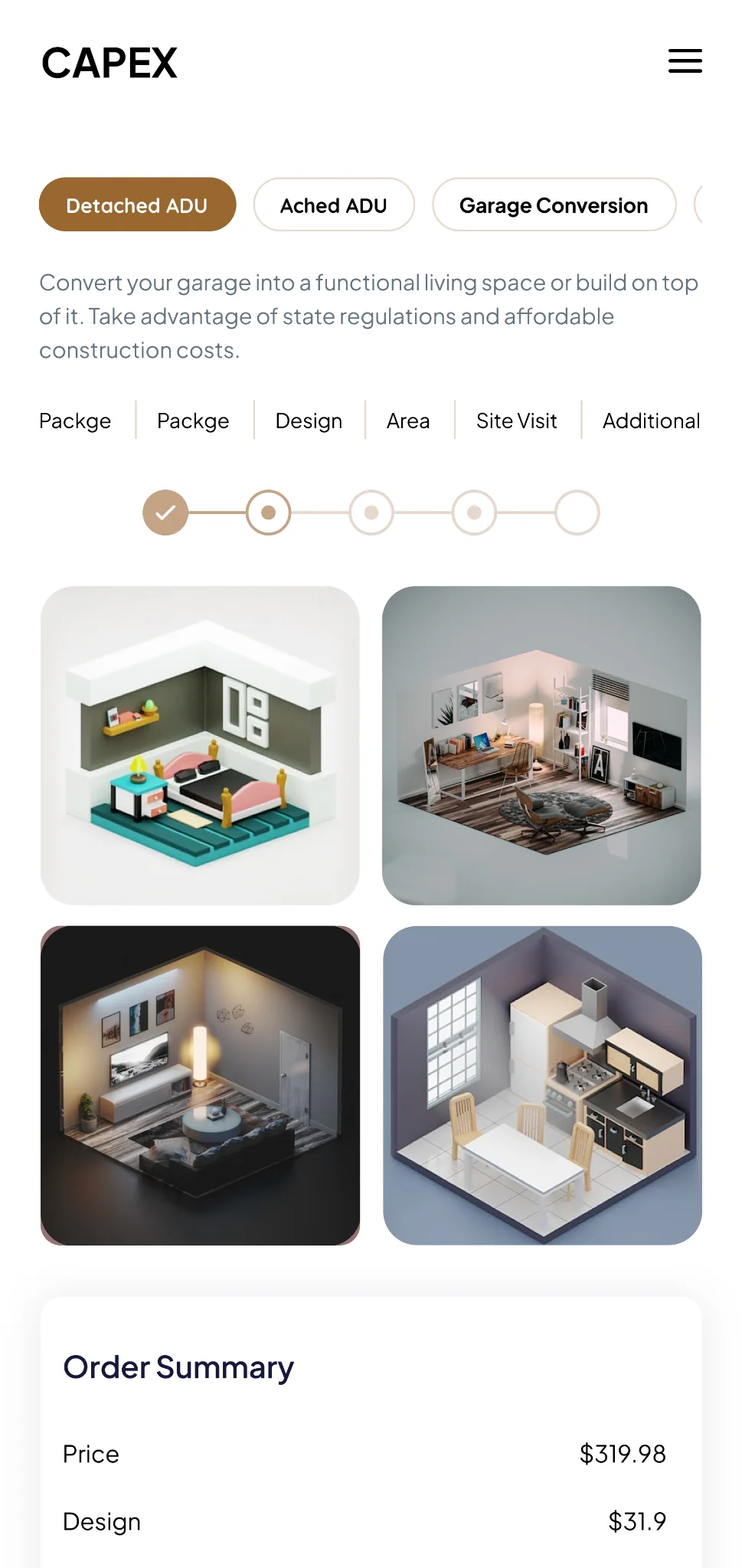
Select a project type, answer relevant questions, then review the estimate. Paths cover ADUs, garage conversions, homes, additions, remodels, feasibility and pre-approved plans.
The interface connects visual discovery with practical decisions about a building project.
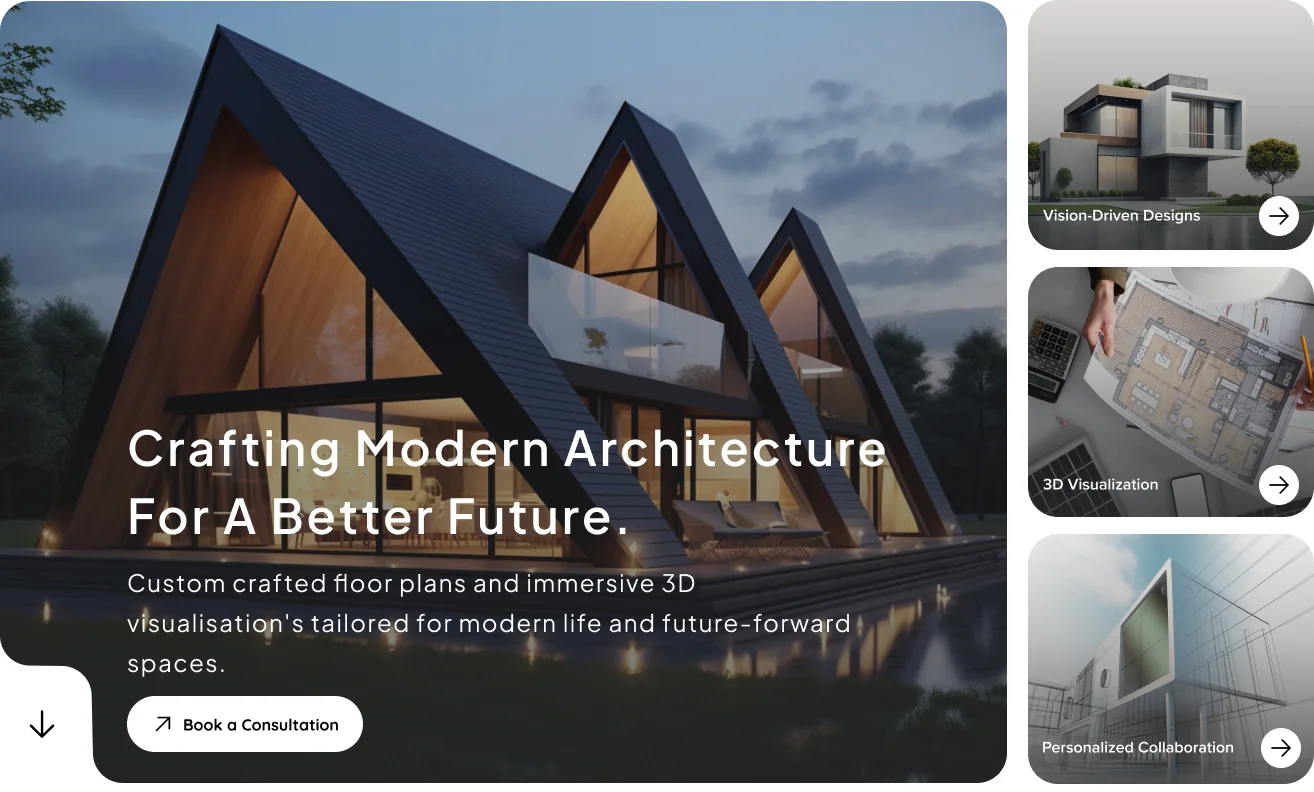
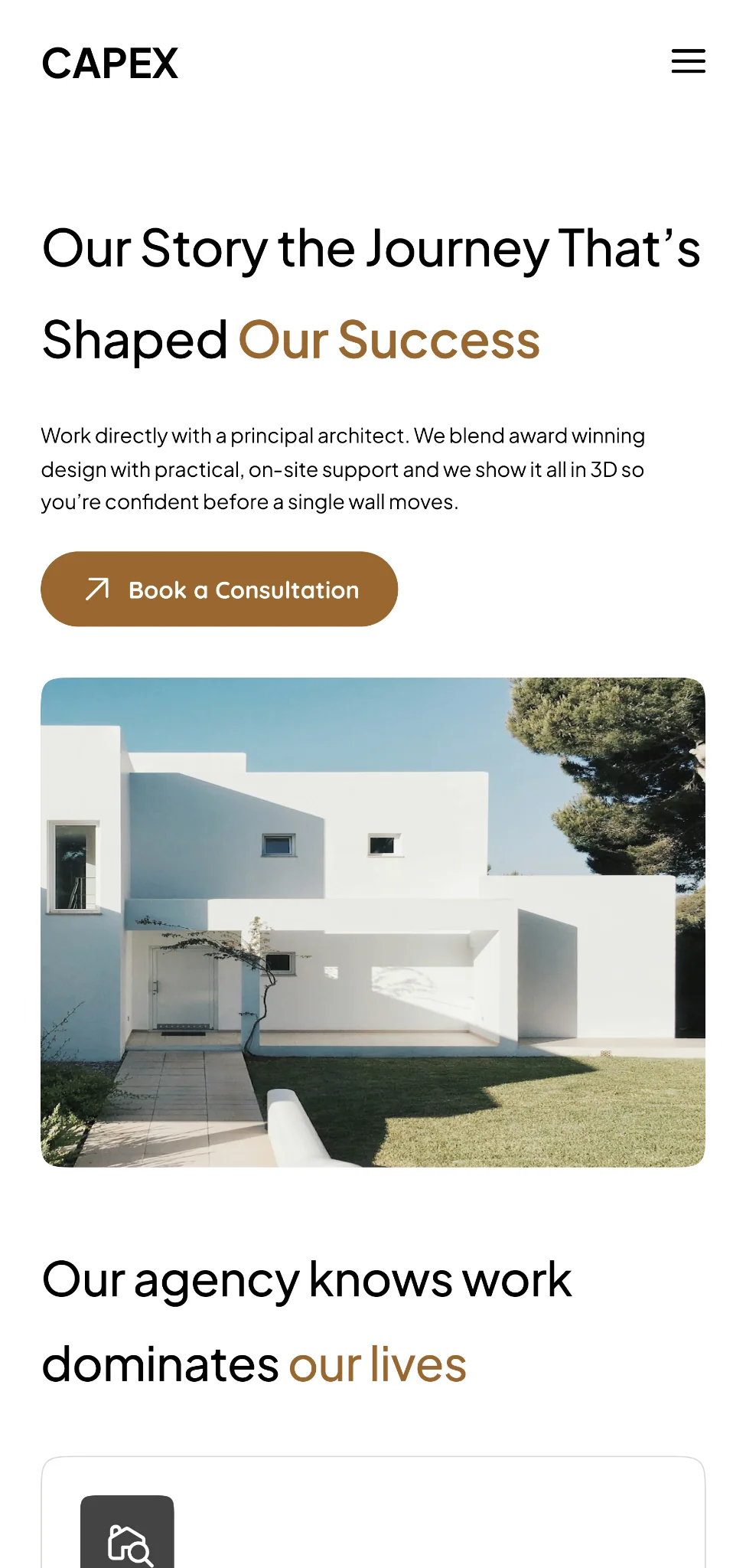
Architectural imagery introduces the offer, while service highlights and a consultation action give visitors a clear next step.
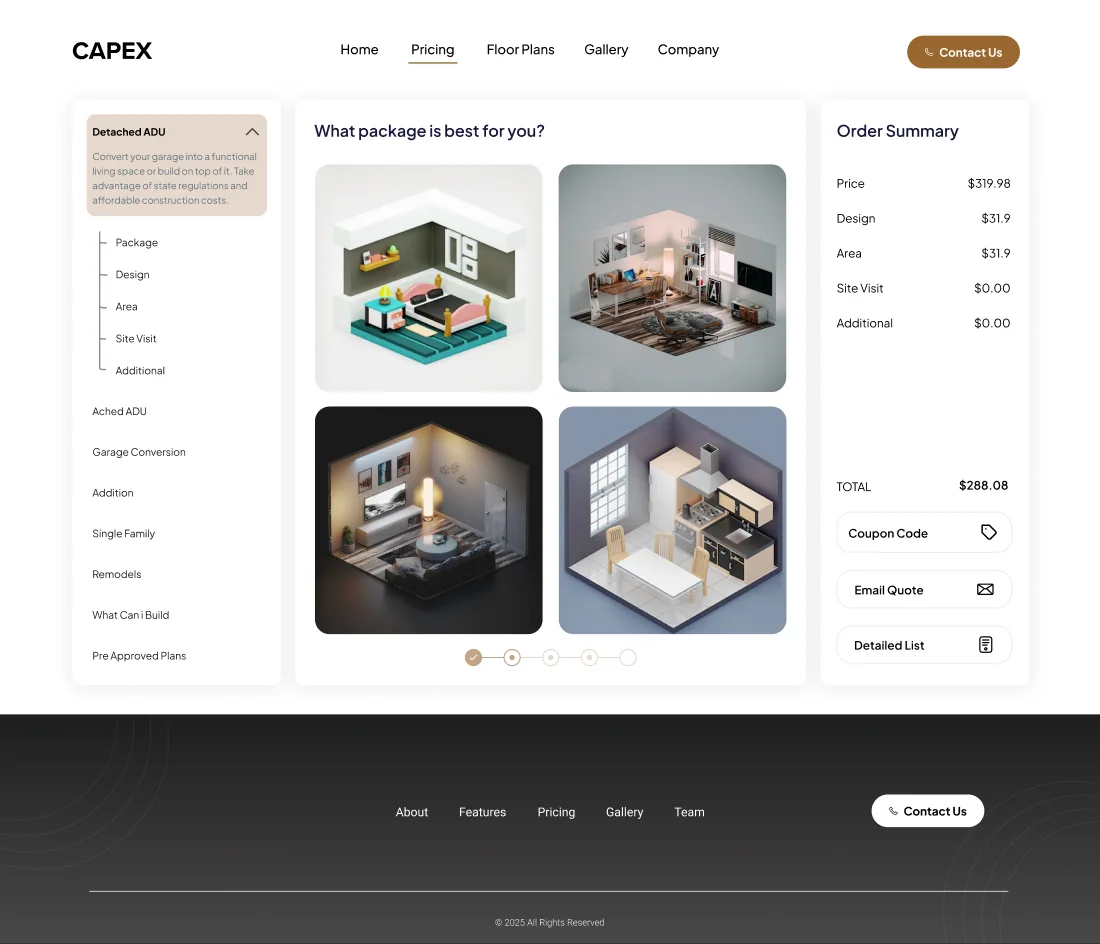
Project stages, visual package choices and a visible cost breakdown keep each decision in context. The figures shown are sample design content.
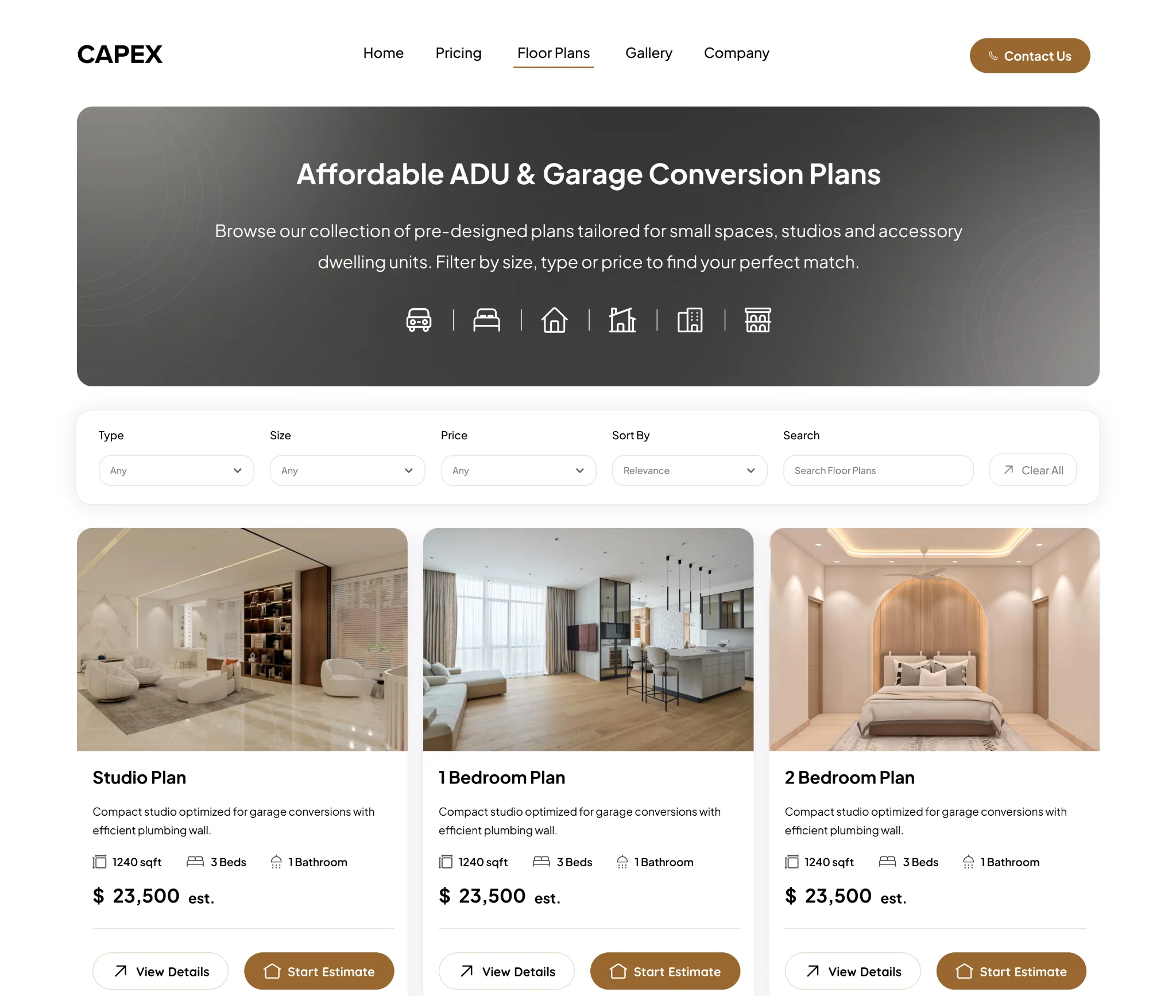
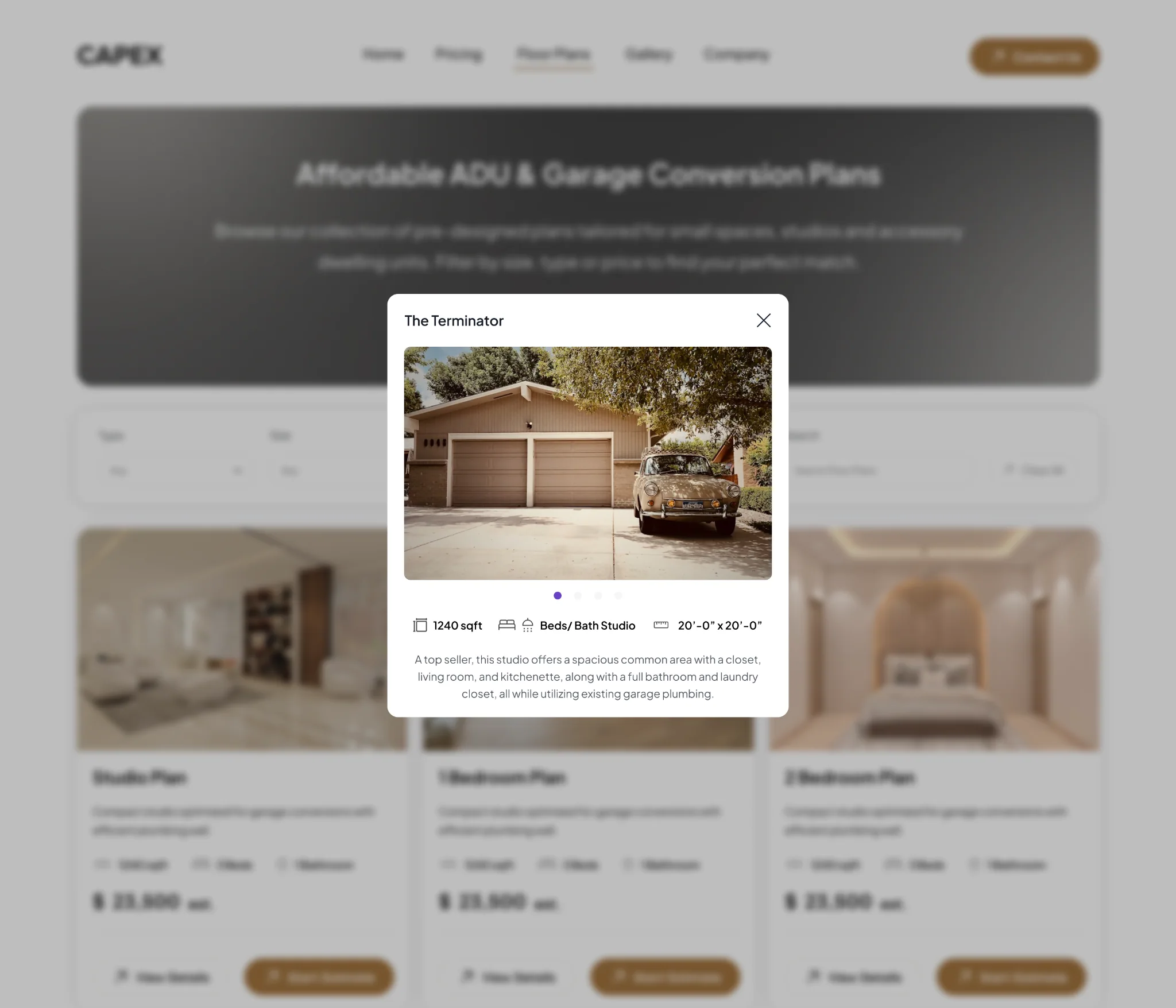
Search, filters and repeatable cards help visitors compare plans. Separate detail and estimate actions connect discovery with planning.
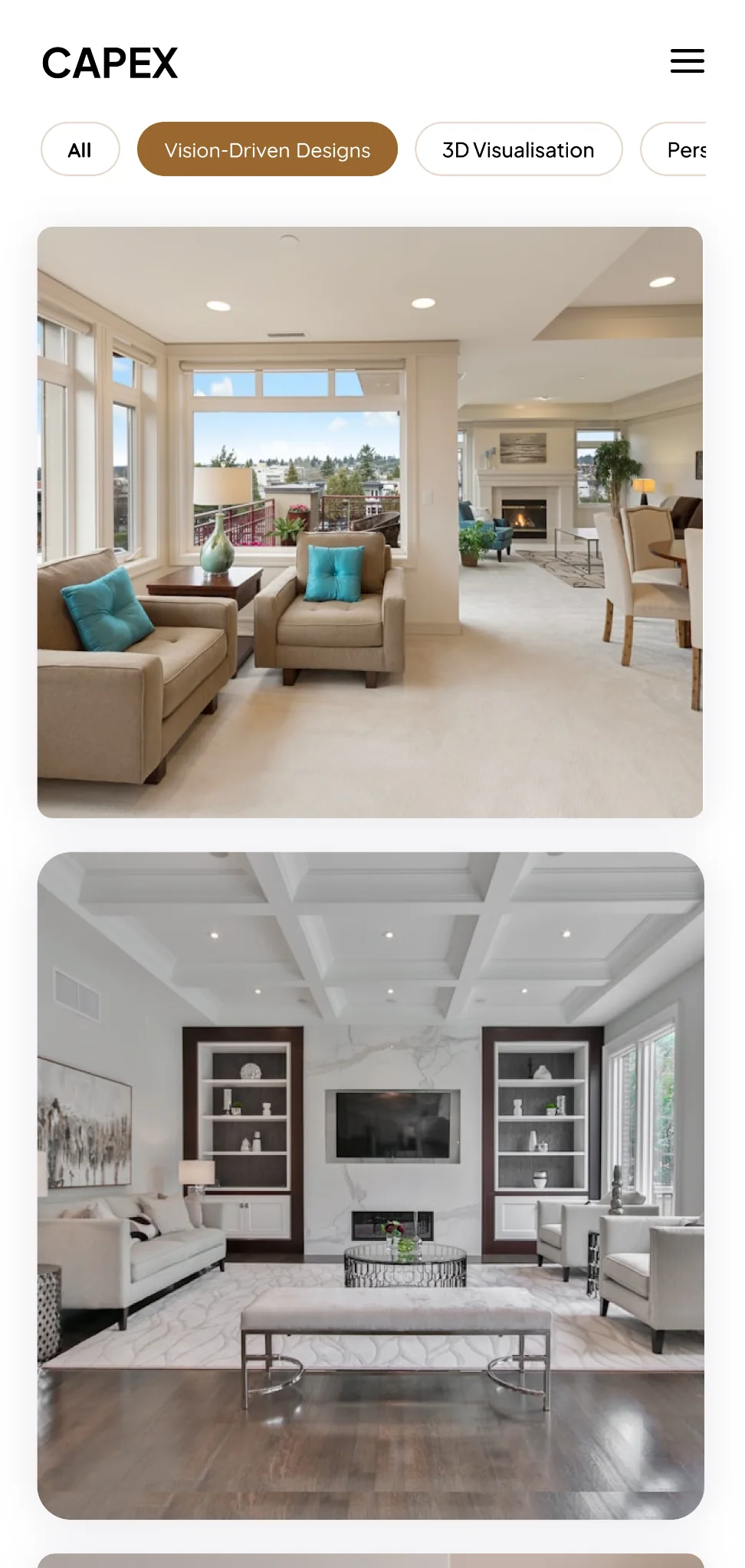
Pricing, company information and the gallery adapt to mobile with compact navigation, clear content hierarchy and vertically arranged content.
The Essentials page defines shared colour, typography, spacing and component states. The case-study layout uses the portfolio system; Capex’s product visuals retain their own identity.
Default, hover and disabled variants provide a shared action hierarchy.
Default, hover and active states keep page navigation consistent.
Default, focus and disabled states communicate form interaction.
Repeat imagery, project information and actions across browsing screens.
The deliverables connect desktop and mobile screens, a structured planning flow and a reusable mini design system. The source material does not establish measured conversion or usability gains.
Next, test project-category selection, package comprehension and estimate review. Refine mobile image placeholders, duplicate stage labels and sample totals, then verify keyboard access, contrast and form feedback.