01 / LANDING
Landing
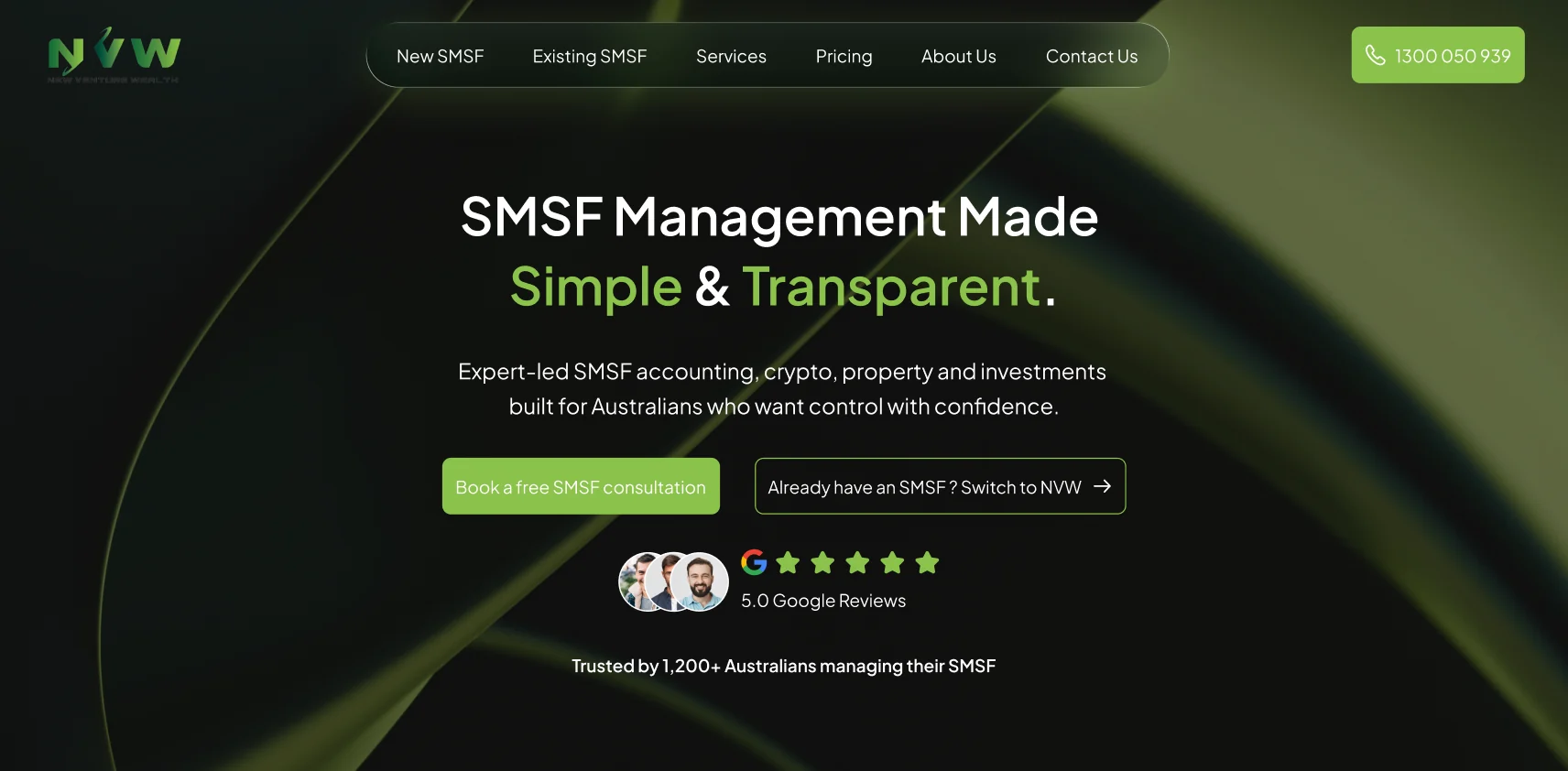
A clear value proposition introduces SMSF support, with separate paths for a new consultation and switching an existing fund. Navigation and contact details stay easy to find.
NVW — New Venture Wealth. A reassuring website experience supported by a scalable design system and a custom Figma workflow tool.
New Venture Wealth is an SMSF management platform for Australians seeking clarity and confidence in their super. The website simplifies complex services and guides visitors towards expert consultation and onboarding.
Explain information-dense financial services while building the trust people need before taking the next step.
Clear language, progressive information, calm interactions and a supportive consultation pathway.
The journey moves from a clear value proposition to service explanations, social proof, differentiators and answers to common questions. A free consultation is the primary action; newsletter engagement offers a lower-commitment option.
Scenario: an Australian visitor exploring SMSF support and deciding whether to contact a specialist.
Each section has a clear purpose: explain the offer, build confidence and help visitors choose their next step.
A clear value proposition introduces SMSF support, with separate paths for a new consultation and switching an existing fund. Navigation and contact details stay easy to find.
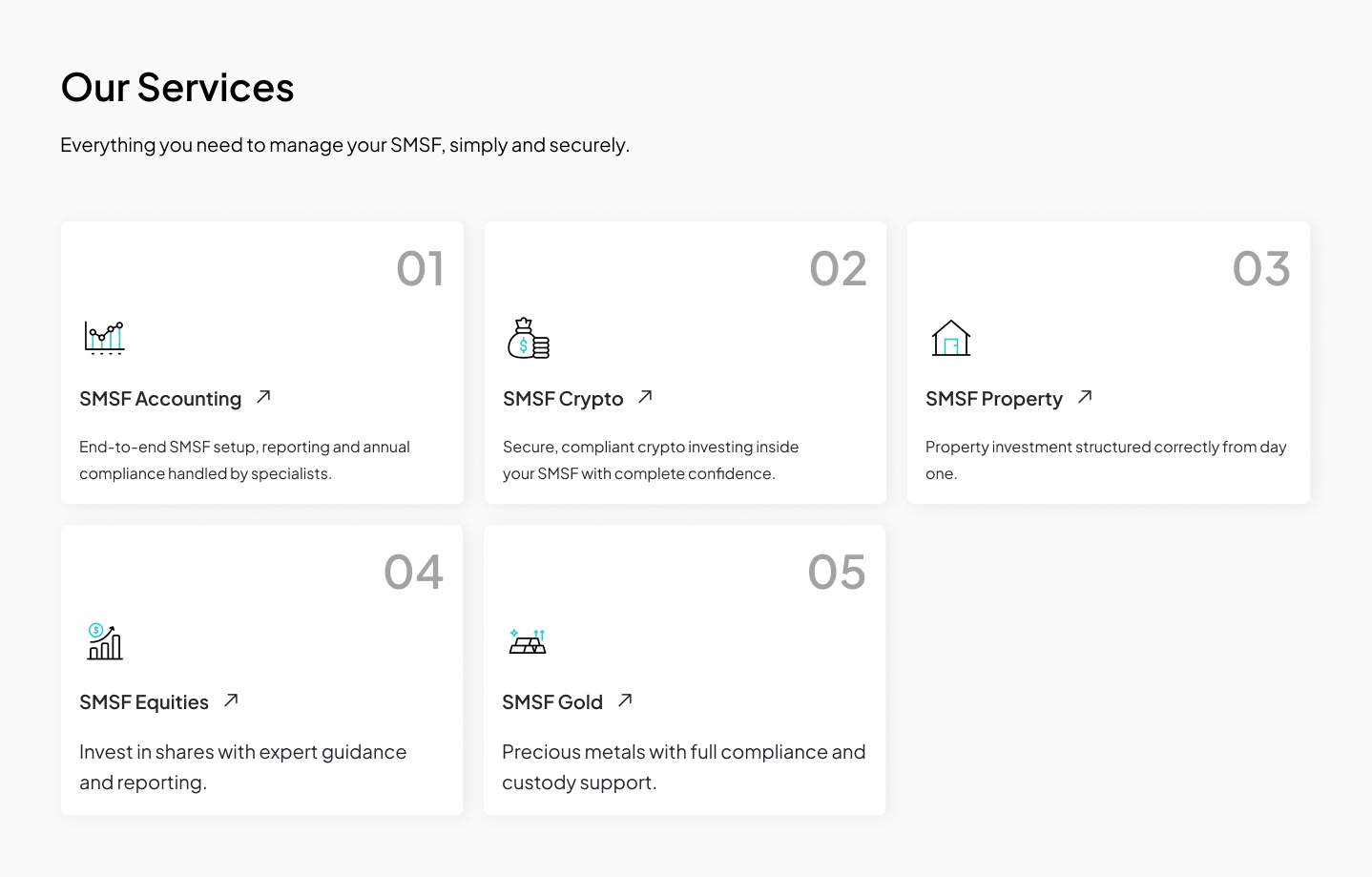
Five consistent cards explain accounting, crypto, property, equities and gold. Short descriptions and clear links help visitors identify the service relevant to them.
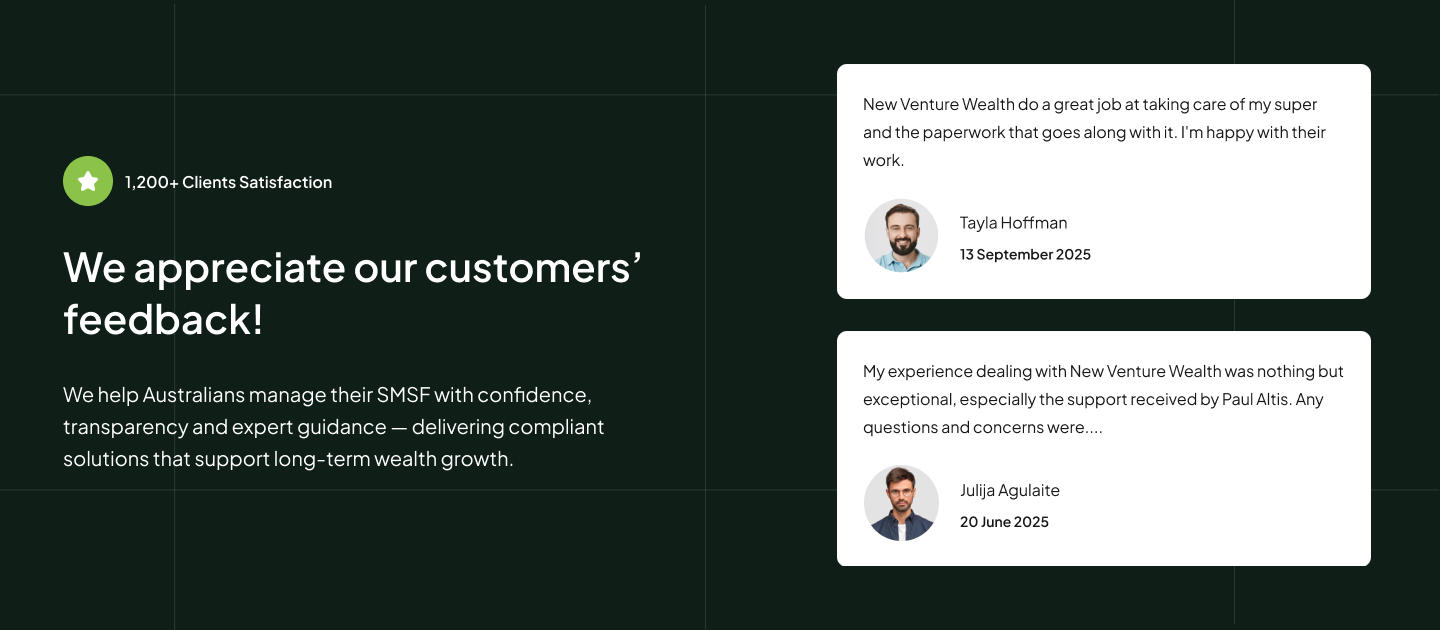
A dedicated feedback section brings reassurance into the browsing journey. Testimonial cards pair each message with a name and date to make the content easy to scan.
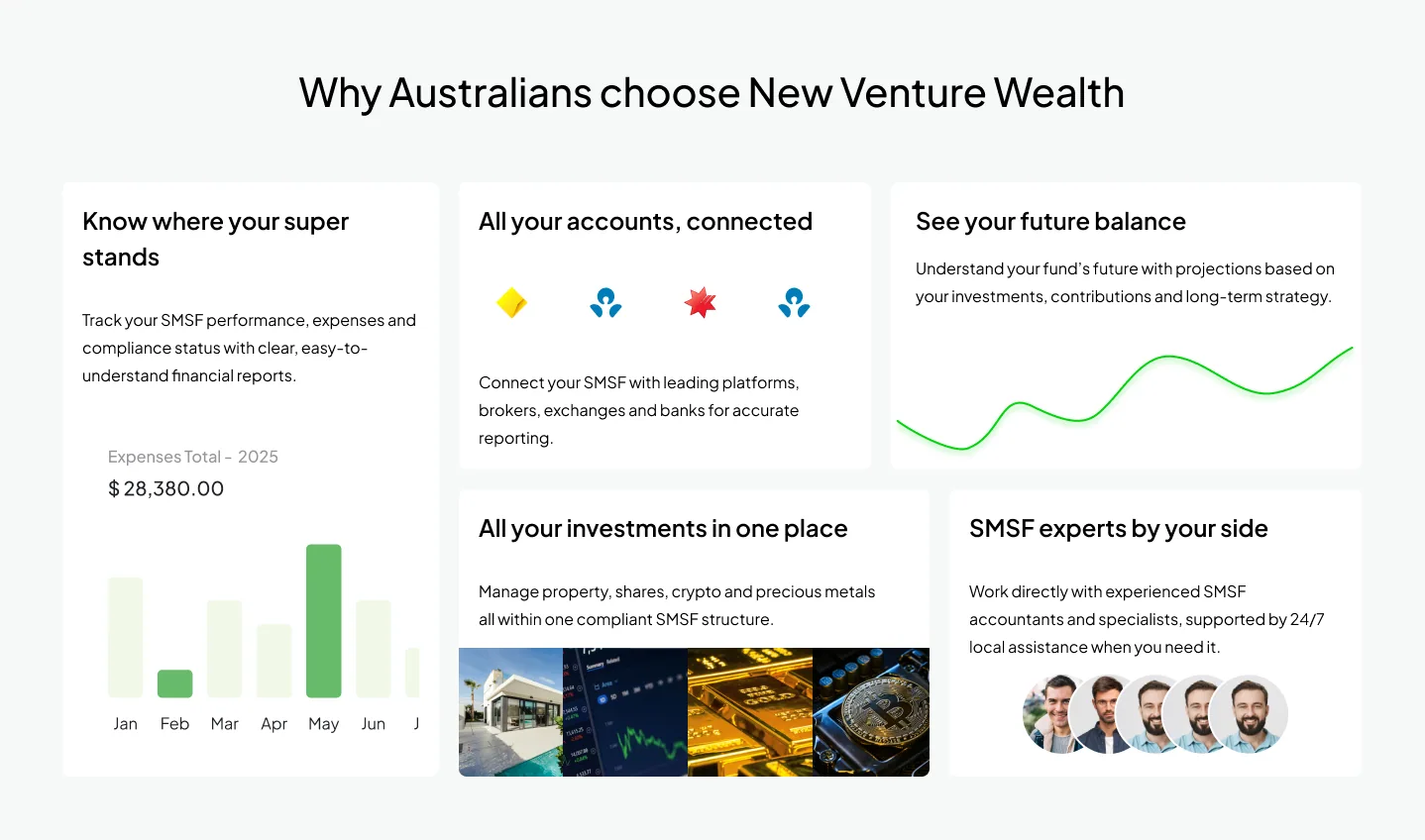
A varied card layout explains the platform’s benefits through account connections, reporting, forecasting, investment management and specialist support.
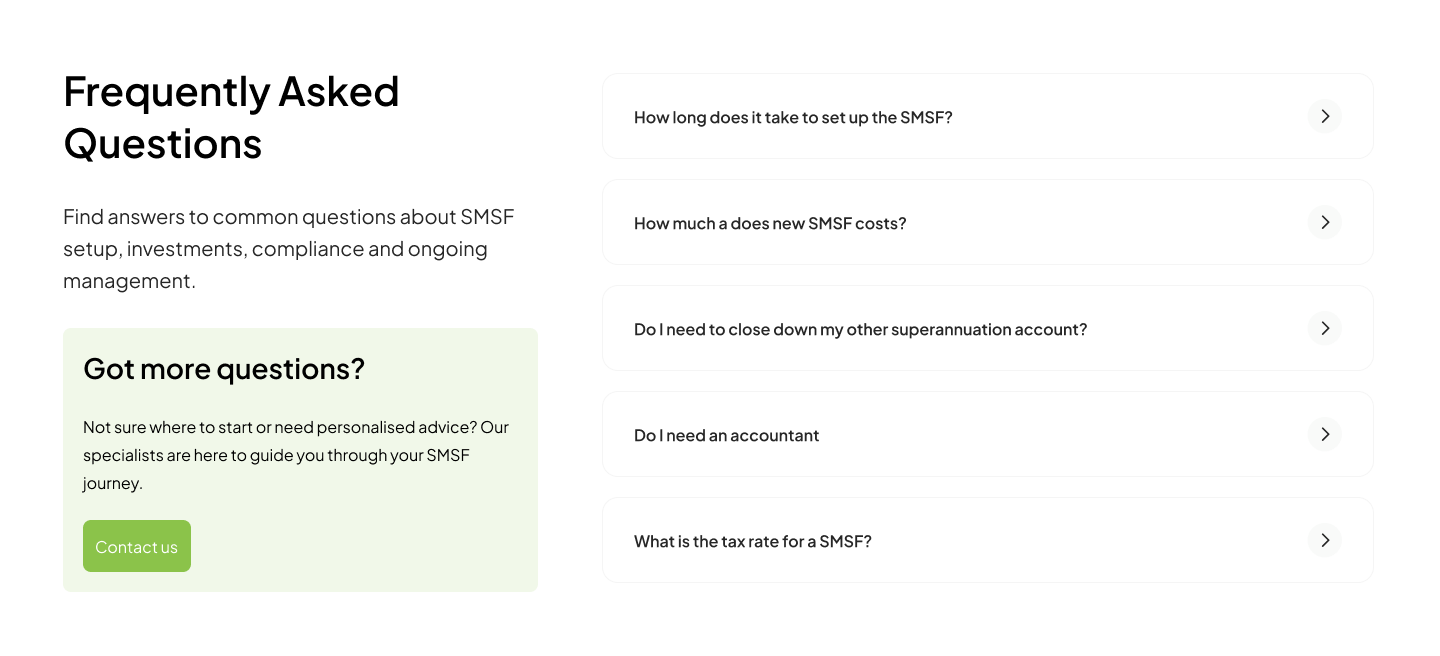
Common questions sit beside a direct contact option. The accordion layout keeps the page concise while letting visitors explore the details they need.
A simple email subscription offers a lighter next step for visitors who want to learn more before contacting a specialist.

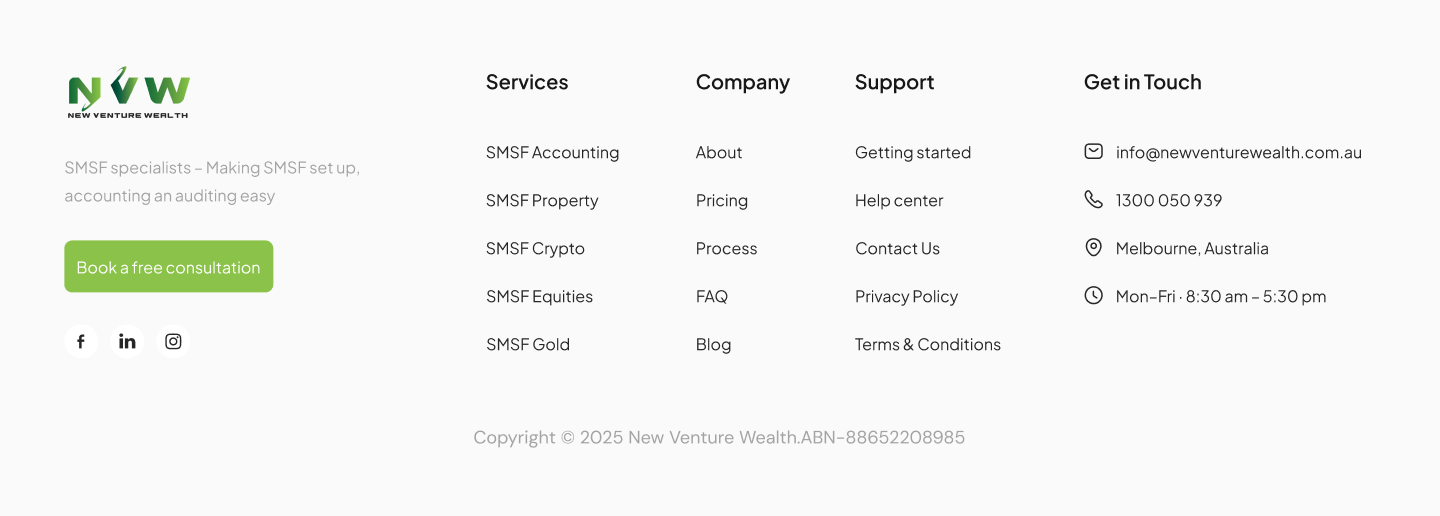
Grouped links, contact details and a final consultation action give visitors a practical way to continue after reaching the bottom of the page.
Local variables drive colour, typography, spacing and interaction states. Brand tokens define raw values; alias tokens give them semantic meaning; mapped tokens define their use in text, actions, borders and surfaces.
Green aliases connect to the Brand collection. Swatches reproduce the supplied variable reference.
Shared actions guide visitors between service information, floor plans and contact.
Consistent page links help visitors move between the main content areas.
Reusable content groups organise service and plan information.
Shared fields and expandable answers support enquiry and clarification.
A custom Figma Design Token Applier removes repetitive variable lookups and manual value copying. Built with React and TypeScript, it provides a searchable browser for 100+ tokens across 13 groups, one-click fill and stroke application, typography tokens and a component inserter.
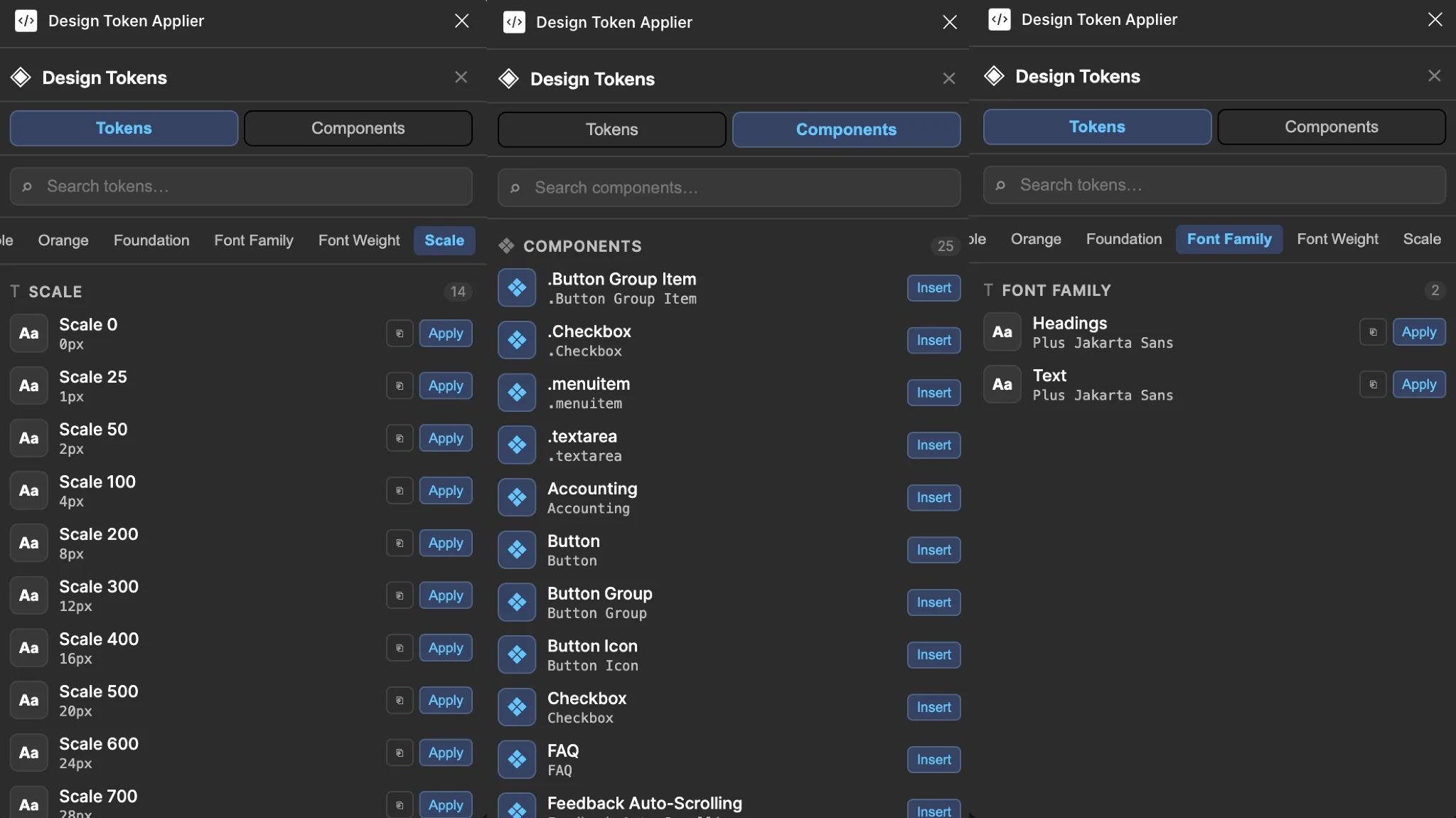
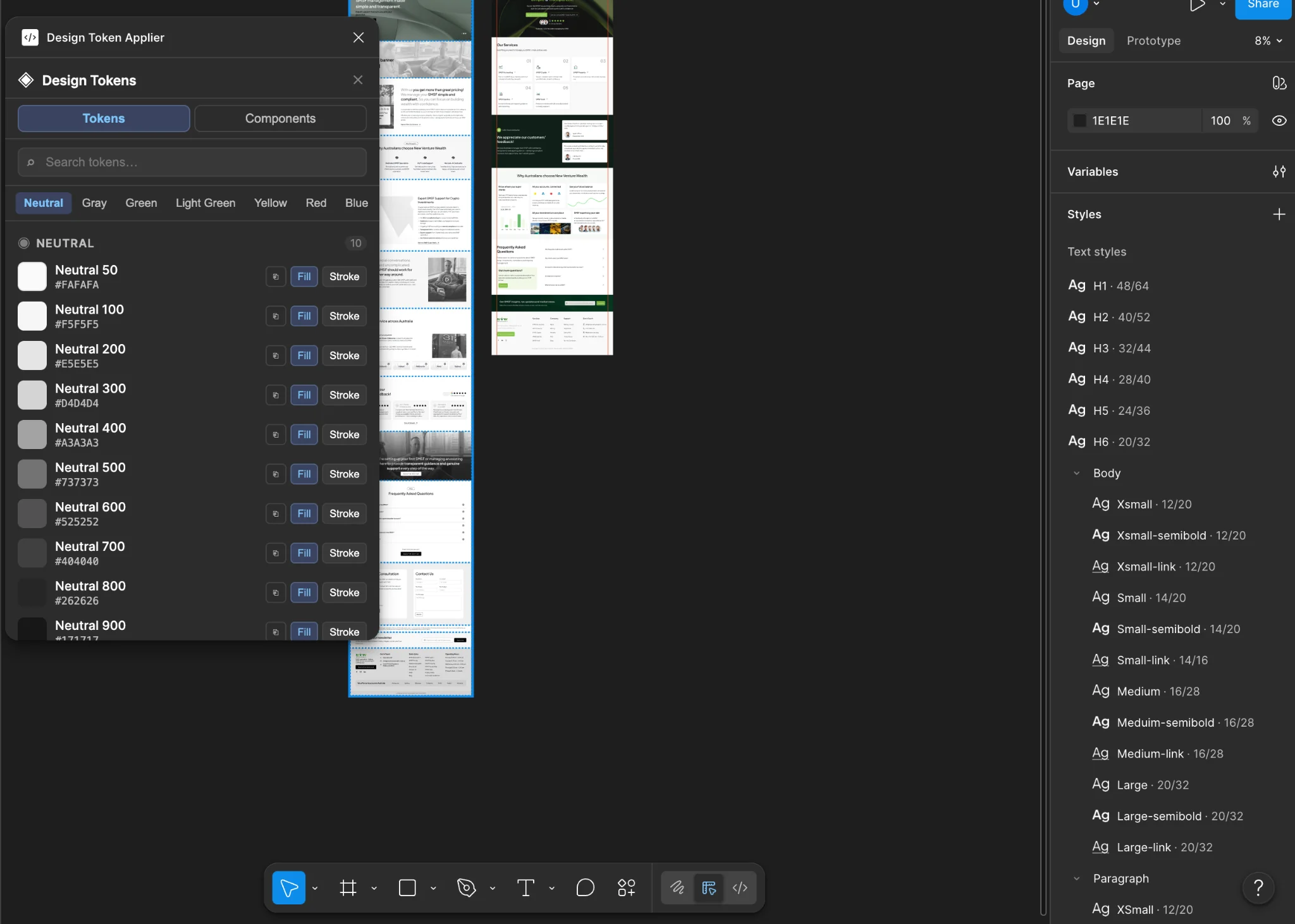
Token values come from the exported Brand_tokens.json file. The component tab scans the Components page and surfaces the core UI library.
Read the plugin development storyThe final design brings together a reassuring consultation journey, consistent interface components and a maintainable token system. The plugin extends the system into everyday design work, reducing manual lookup and application steps.
This case study documents the design rationale and workflow outcome. Conversion and usability performance have not been quantified in the supplied project material.